How Advanced Home Lighting Control Can Set the Mood for Fall

How Advanced Home Lighting Control Can Set the Mood for Fall

Scheduling Scary

By day, your house is brightly lit, the shades are up, and the lights off. But as the darkness of night starts to draw near, your system automatically adjusts your lighting and shades to the schedule you set. Your guests sit there, a gasp, as they find themselves draped in the perfectly controlled and lit Halloween setting, they now find themselves in.

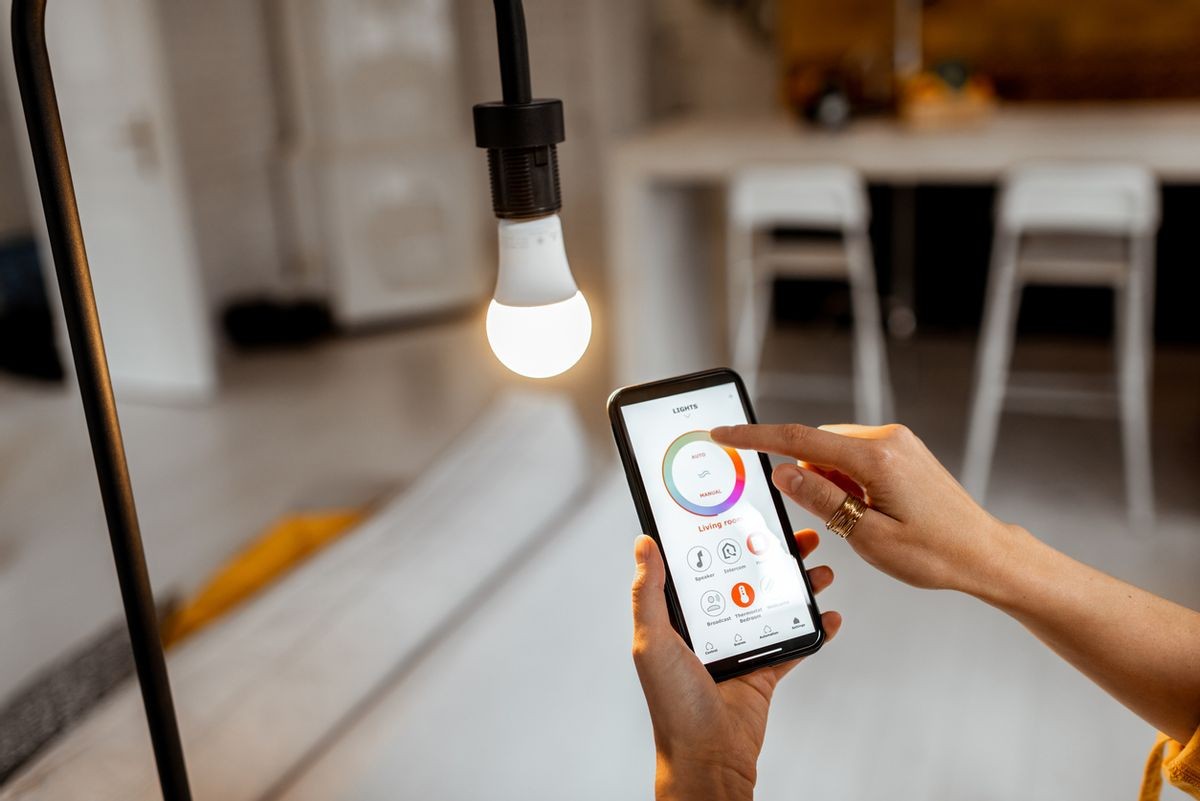
Even better, having it set to go by itself can also be used to scare, as well. You could schedule blinds to go up and down during a Halloween party, or use an app to control the lights and turn them on and off as people enter and exit certain rooms. Flickering lights are sure to add some spooky atmosphere to any shindig you throw, and you’ll be able to do it all from the palm of your hand!  That’s some high-tech Halloween scaring, right there.

You are probably wondering how one takes their current lighting and shading system and makes it set for such scares, though. That’s what we’re here for! Give us a call today, and we’ll walk you through all of your integration options for lighting and shading.

Dementor Dimmers

There’s nothing Halloween-y or scary about regular, plain, boring, light switches. But dimmers? Now, those have potential for sure.

Dimmers come in a whole array of styles and possible switches, giving you something that will match whatever you are looking for to fit your home. They also save you money compared to traditional light switches.

Continue reading
  1094 Hits

What is Preventive Maintenance, and Why Do I Need a Service Contract?

What is Preventive Maintenance, and Why Do I Need a Service Contract?

We Take Care of it All

We will inspect and test your equipment to make sure it's functioning correctly. We can also update the system’s software and firmware when necessary, calibrate all systems to make sure they are working properly together, and perform general maintenance (e.g., cleaning monitors, removing dust internally). We are here to be responsive to your technology needs.

Optimized System Performance

Proactive maintenance keeps your technology running in the best possible conditions, prolonging its life expectancy. This allows you to protect your investment and get the highest usage possible.

No Unnecessary Roadblocks

Keeping a regular maintenance schedule ensures that you'll always be able to use your technology when you need it. Nobody wants to try and get some work done or sit down to watch a movie, and have the system crash unexpectedly.  

A service contract ensures that you get the response and help you need in a timely manner. Technology replacement or repair can often be expensive. With a service contract, you're likely to save money with reduced response & labor fees, which can add up quickly over time.

Continue reading
  1089 Hits

How to Integrate Technology with Interior Design

How to Integrate Technology with Interior Design

TV

Have you ever noticed how many TVs get installed over fireplaces? It’s not because people necessarily wanted to put the TV there. It’s because the fireplace is typically designed as the focal point of the room and it just ends up making sense to put the TV right above it. Many are fine with that, but some others think that having a big black rectangle at the room’s primary focal point is not the most desirable aesthetic choice!

Fortunately, the industry has come up with several ways to dress up or hide the TV completely:

  • Digital Art ‒ Some TVs have a “digital art” mode that can make your TV look like a painting, family portrait or whatever image you want to show off. Some even come with a light sensor to make the art respond to your room’s lighting in a way that makes the art look more natural.

  • Mechanized Lifts ‒ There are dozens of options that make clever use of automated lift mechanisms that can hide your TV in a myriad of ways. An Art Lift allows you to hide the TV behind a real piece of art that can slide up or sideways to reveal the TV when you turn it on. Other motorized lift mechanisms can raise your TV up out of a cabinet or have it descended from a hiding place in the ceiling. You can even have the TV pivot left or right towards the viewer.

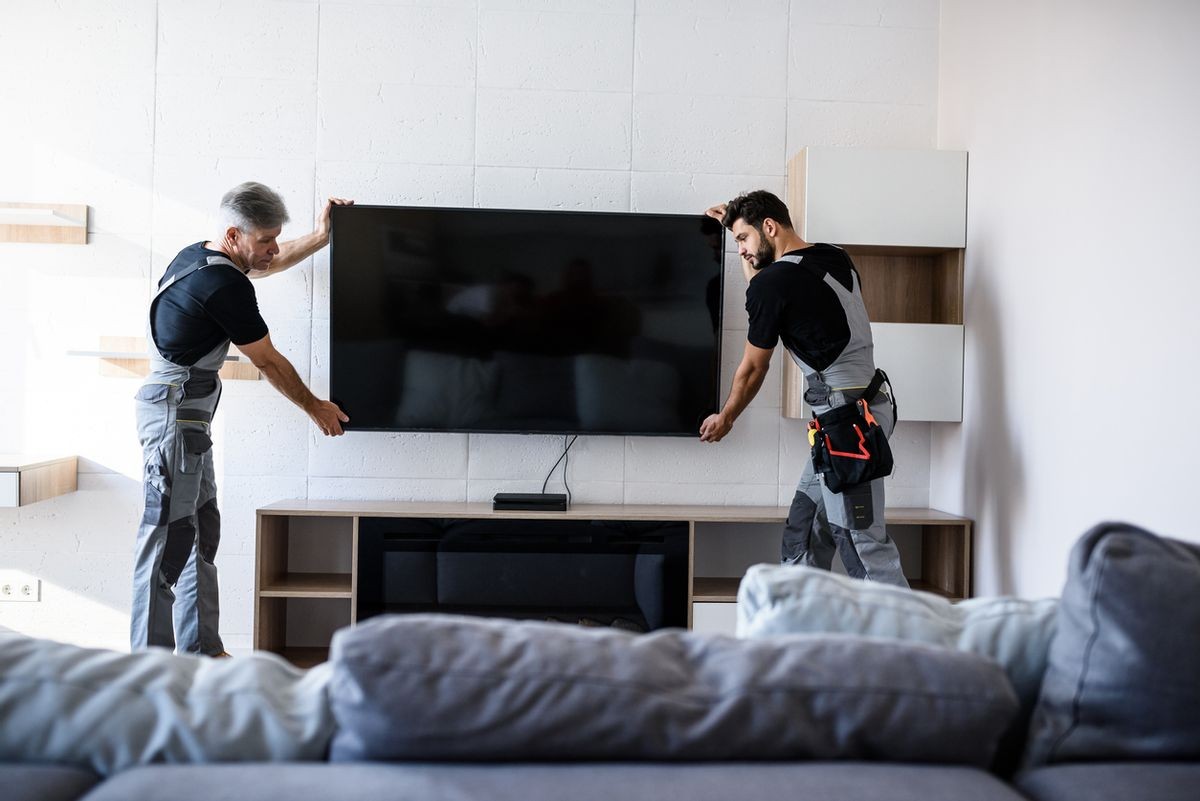
  • Recessed TV ‒ You may not really care about completely hiding the TV, but you would like the installation to be a little sleeker. In that case, you can have your builder frame out the wall so that there is a pocket for the TV to be installed into. This creates a clean and flush appearance from the front and side.

Speakers

Having the ability to play music anywhere in the house or yard is one of the most requested features we get. While a set of floor standing speakers might make sense in a home theater or media room, other rooms can have great sound too without the speakers being a prominent visual feature.

  • Architectural Speakers ‒ Most people are familiar with in-wall and in-ceiling speakers. What you may not know is that you can get them in a smaller form factor that closely matches the size and shape of your recessed lighting. This makes the speakers really blend in. There are even in-wall and in-ceiling subwoofers that can provide some added bass without the big black box on the floor.

  • Invisible Speakers ‒ If you really don’t want to see the speakers at all, invisible speakers can be installed during the construction phase that perfectly blend into the wall. They are mudded and painted over, just like the drywall, so even the sharpest eye can’t see them.

  • Custom Soundbars ‒ Adding a soundbar to enhance TV audio is extremely popular these days. But a lot of soundbars look like an afterthought rather than part of an integrated system. But they don’t have to. Many manufacturers provide soundbars in custom lengths that perfectly match the width of your TV for a clean, purposeful look.

Lighting Control

A smart lighting system isn’t just for convenience. It can enhance the look of your home as well. Lighting control systems can be programmed to remember lighting “scenes” that recall specific lighting levels for a room or the whole house. You can have all your lights set to just the perfect level for whatever mood or activity you want and recall it with a simple button press.

“Centralized” lighting control systems take things even farther by reducing your banks of light switches (sometimes four, five or more in a row) and consolidating them into a single, elegant keypad. Often these lighting keypads are available in a variety of designer colors and textures to perfectly complement your décor.

Continue reading
  1137 Hits

Subwoofers: What Are They & Do You Need One for Your Sound System?

Subwoofers: What Are They & Do You Need One for Your Sound System?

What is a Subwoofer?

A subwoofer is a crucial component of a complete audio system because it delivers lower frequencies between 20 – 200 Hz, which traditional two-channel or surround sound setups can't produce on their own. In fact, subwoofers are responsible for the .1 in a 7.1 sound system to deliver all the low-frequency effects.

Subwoofers work seamlessly with the rest of your sound system as one unit, so you never miss a beat.

How Do They Work?

A subwoofer speaker uses large drivers called woofers to produce deeper sounds. These woofers are typically enclosed in a wood or plastic structure and look like any other speaker. The subwoofer then uses the large woofer and a built-in amplifier that powers the signal to produce deeper, cleaner bass.

But to reproduce high-quality sound, they have to deal with the crossover (when sound transitions from speaker to speaker) and phasing, which deals with the timing differences from identical signals.

  • Low-Pass Crossover: The frequency where your speakers begin to roll off and the subwoofer beings to produce bass notes. Subwoofers work best when you set your crossover to 10 Hz above your speaker's lowest frequency range.
  • 0/180 Degree Phase Switch: Woofers work best when they move forward and backward while in sync, but the bass cancels out if they are out of phase. If that happens, you can use the switch to "dial-in" your subwoofer.

Why Do You Need One?

As we said before, a subwoofer lets you feel the sound in your chest or down your spine instead of simply hearing it. And if you have a glass of water nearby, you can even see it when the sound causes the water to ripple. But there's more to it than that, and once you've experienced that deep bass, you won't want to go back. For instance, subwoofers will:

Continue reading
  1329 Hits

Smart Home Automation Hacks for When You’re Away on Vacation

Smart Home Automation Hacks for When You’re Away on Vacation

But what is smart home automation? This technology takes common safety protocols like cameras, doors, and light timers and connects them to smartphones. Smart security is a subset of this automation and upgrades any security system to give remote access. This enables remote control of safety features, video streaming to check on the house, and much more.

Benefits of smart home automation:

  • Video surveillance streaming
  • Remote control of locks and lights
  • Increased security
  • Peace of mind on vacation

Here are the must-have smart home automations for vacation and everyday life.

Smart Security Cameras

Smart security cameras function like traditional security cameras. They record videos and allow you access to surveillance of your house. That said, they have upgraded capabilities on top of this functionality. Smart cameras connect to phones and computers, enabling remote viewing of camera footage. Many smart security cameras also offer options like motion alerts and automated recording options. A notification can be sent to connected smartphones when there is motion in a designated area. Cameras can also automatically record snippets of video when triggered by motion.

Overall, security camera streaming to a smartphone is incredibly convenient. This automation option makes it easy to check on the house while away, watch for packages, and get alerts to unexpected motions. Every homeowner should consider a smart camera system for vacation.

Continue reading
  1165 Hits

7 Simple Tips to Improve the Speed and Reliability of Your Network

7 Simple Tips to Improve the Speed and Reliability of Your Network

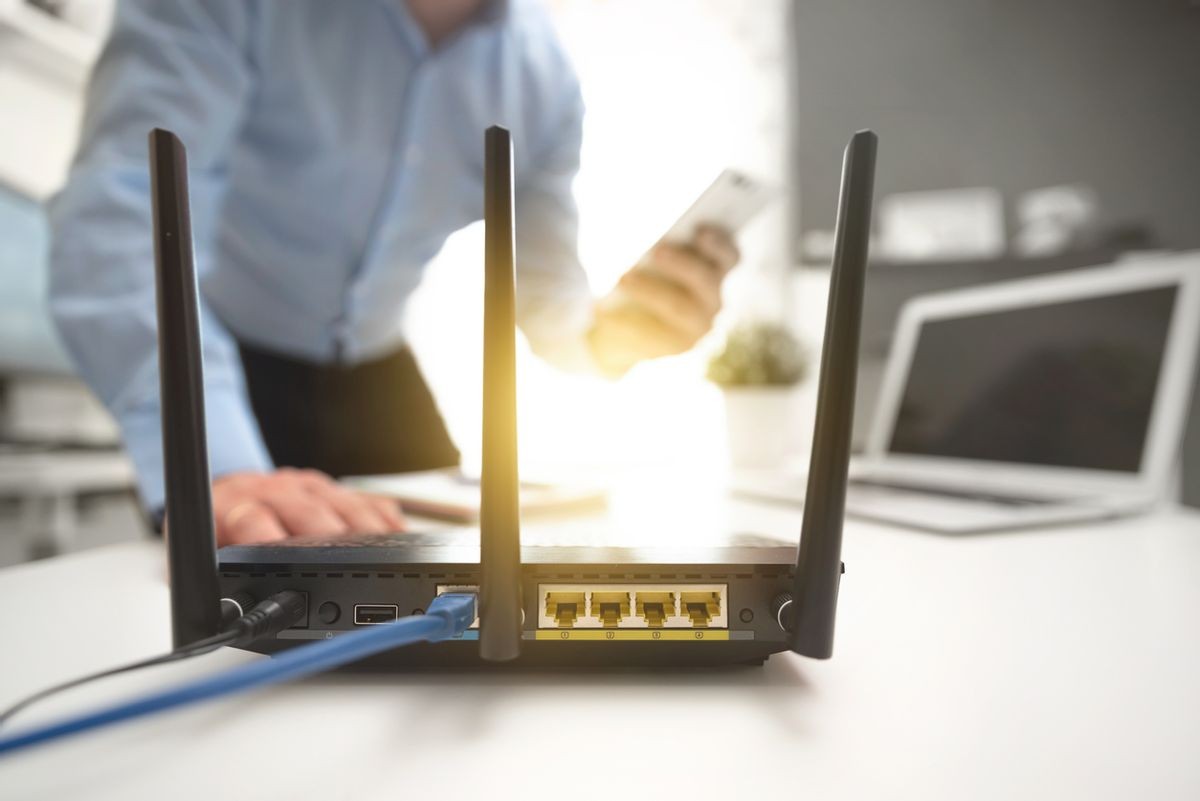
Ask anyone what the number one frustration of trying to live, work, and play with technology is, and most people will tell you it’s the quality of their home internet. Network speed and reliability are vitally important factors in making the most of time spent at home. Several factors can inhibit your internet experience, including the number of devices connected, bandwidth caps, and your router’s location.

If you feel like your internet connection has slowed or performance is compromised, the following are some steps you can take to improve the network’s speed and reliability.


1. Consider Your Data Cap

Some internet service providers (ISPs) have data cap options. With these, you can use a certain amount of data each month, and if you go over, your internet speed will dramatically decrease or you might be charged extra. Familiarize yourself with your cap by looking at your bill and identifying if you frequently exceed your monthly limit (you can also find out which devices are using the most data). If that’s the case, you’d be wise to increase the cap.

2. Reset Your Routers

Resetting your routers from time to time (e.g., once a month) will refresh your internet connection and clear out anything that may have been slowing it down from data that gets cached in the device’s memory. If you have a separate modem from your router, you should reset that as well. If you seem to be having a lot of connection issues, try resetting your modem and router more frequently or look at upgrading to pro-consumer grade products, which perform better than off-the-shelf options. Outlet timers and power management systems can reset it for you on a set schedule, allowing you to reset your router in the middle of the night, for example, or any other time when you don’t need to use the internet. You can also call your internet provider to do it for you remotely.

Continue reading
  1131 Hits

When DIY Doesn’t Cut It: How an AV Expert Can Help

When DIY Doesn’t Cut It: How an AV Expert Can Help

When to DIY

Undertaking your own AV projects in your home may be a necessity if you’re on a time crunch or a tight budget, so long as you’re sure you know what you’re doing. There’s a multitude of online resources — videos and how-to guides — that can help you in this process. Be sure to invest the time to watch and educate yourself, follow directions carefully and choose quality components for your project. Obviously, what you’re capable of will depend on your confidence and experience; but generally, things like wiring outside of the walls or TV/Component installations can be undertaken relatively simply and usually without needing to hire outside help.

When to Hire an Expert

It’s always better to be safe than sorry! If you feel like you’re venturing into territory beyond your experience or comfort level, an AV professional will save you time and money and almost certainly reduce your anxiety level. Naturally, expert installers know the best equipment to use — and can gauge that effortlessly for your needs — as well as the most efficient ways to install these solutions, especially if you’re wanting to avoid unsightly wires everywhere. They can teach you how to use and get the most from the equipment, and how to integrate the solution with other smart home or AV devices so everything works together seamlessly. 

When you hire a qualified AV specialist, you can expect ongoing support, maintenance, and upgrades — an investment that will hopefully last the lifetime of the product or installation. It’s useful to know that if something were to go wrong, you can call on someone knowledgeable to help troubleshoot or pinpoint further issues before they become a major problem. 

Continue reading
  1075 Hits

3 Underrated Benefits of a Smart Thermostat

3 Underrated Benefits of a Smart Thermostat

1. Lower Energy Usage and Costs

With smart thermostats, when you’re out of the house or on vacation, you can set your air conditioning and heater to your desired temperatures. Manufacturers of smart thermostats make claims of 10% to 20% savings on energy bills, and that can really add up in the long run. When you track your energy usage you can easily see where money can be saved. Smart thermostats are inherently environmentally friendly and some even give you “badges” to reach new levels of energy efficiency. Several smart thermostats also have the ability to add remote temperature sensors, allowing you to heat/cool specific areas of the home.

2. Control Your Thermostat Remotely

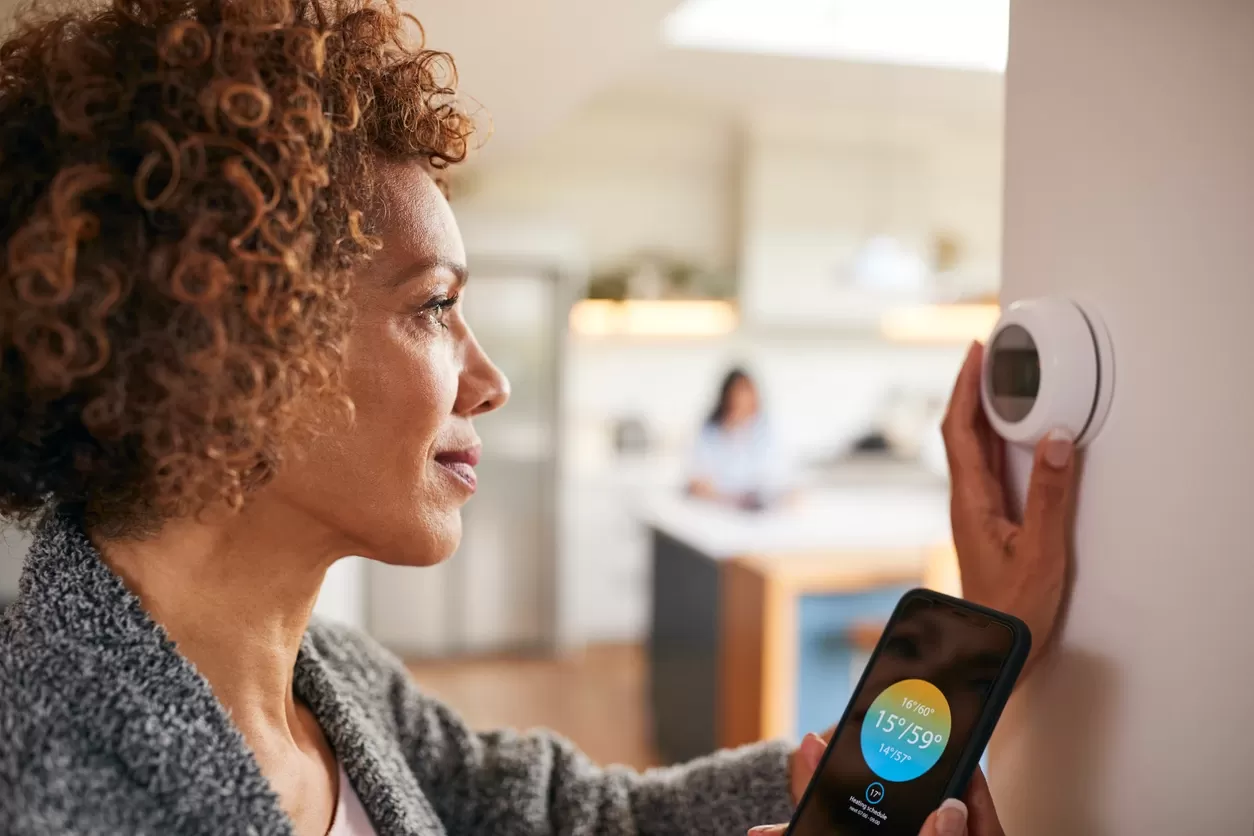
Smart thermostats allow you to use an app on your smartphone, tablet, or computer to set the temperature for your home remotely, all through an easy-to-use interface. This means, when you’re out of the house or on vacation, you can set your air conditioning and heater to your desired temperatures. In the app, you can also create schedules so that at certain times throughout the day, the temperature will change according to your wishes. You can even set vacation modes for longer trips. Another feature of smart thermostats is the ability to receive alerts for when your temperature goes above or below a certain point.

3. Smart Thermostats Learn Your Home and Your Routines

Using movement sensors, smart thermostats can detect when you are in and out of the home and create a general schedule based on your lifestyle. When you’re gone from the home, energy usage will slow, and then pick up again when you return. Some smart thermostats can also measure the outdoor weather and adjust the indoor environment accordingly. They can also work with other smart home devices, such as smart humidifiers or air purifiers, exchanging information for a stronger integrated system. Voice-controlled systems such as Amazon Alexa and Google Home can connect to your smart thermostat, allowing you to adjust the temperature with the sound of your voice.

Smart thermostats are easy to install, using the wiring already there for the home’s heating and cooling system. Similar to other smart home devices, smart thermostats give you insights into your home in comprehensible ways and are designed to be easy to use.

Call or Visit Us

Your heating and cooling system should not be overlooked when growing your smart home. If you’re ready to enable the extra layer of convenience, comfort, and cost savings into your home, AV Design Consultants provides many options to cater to your lifestyle. Contact our experts at AV Design Consultants to learn more about our products and services.

  1118 Hits

The Best Audio Systems for Theater-Like Sound

The Best Audio Systems for Theater-Like Sound

Home Theater Speaker Systems

If the ideal audio setup with theater-like sound involves various speakers mounted around the room, a home theater speaker system is likely the best option. These speaker systems are available in bundles and separately as individual pieces. The system is often made up of several speakers and an audio receiver.

What is the Typical Speaker Configuration?

The base home theater sound system model has 5.1 channels, including five speakers and a subwoofer. The typical 5.1 channel model includes two front speakers, a central speaker, and two rear speakers as well as the subwoofer. It is important to consider that the center speaker and the subwoofer are imperative pieces in this setup. They are the key to achieving a great sound.

Other models include 7.1 channels (seven speakers and a subwoofer) and 11.2 channels (eleven speakers and two subwoofers) for an intense audio setup. An alternative to these systems is an audio receiver paired with bookshelf speakers. This allows more flexibility in placement without losing the professional sound.

Should I Choose a Home Theater in a Box?

A Home Theater in a Box includes all the necessary pieces for theater-like sound. These boxes are a great option for anyone that does not want to pick the combination of speakers, subwoofers, and soundbars. However, it is possible to assemble an entirely custom speaker system by purchasing individual pieces.

Soundbars

A soundbar is a long speaker that plugs directly into the television, eliminating the need for a receiver. They can be incorporated into a full home theater speaker system, paired with a subwoofer, or installed alone. Soundbars come in a variety of brands, sizes, and price points.

Continue reading
  1348 Hits

From Outdoor Hangout to Backyard Bash — Which Waterproof Speaker Do You Need?

From Outdoor Hangout to Backyard Bash — Which Waterproof Speaker Do You Need?

Which Waterproofing is Which

Before diving into the different types of speakers, you first need to understand the terminology. Weatherproof speakers and waterproof speakers do not mean the same thing, nor do waterproof or water-resistant speakers. But it's vital to understand which you’re looking to determine which will suit your outdoor audio needs.

  • Waterproof Speakers: Are covered or treated with materials to prevent the permeation of water so that they can come into contact with water without damage.
  • Water-Resistant Speakers: Provides lower protection against water, with coated or treated materials that don't allow water to pass through easily.
  • Water-Repellant Speakers: Offers more protection than water-resistant speakers because they are covered in thin-film nanotechnology.
  • Weatherproof Speakers: Made to withstand the elements, whether that means humidity, steam, rain, or light sprinkles, and come with tough casings and sealed cabinets.

Pro Tip: To survive submersion, waterproof speakers must have an IPX level of 7 or higher.

Wired vs. Wireless Speakers

Deciding whether you need wired or wireless speakers for your outdoor audio is essential since you need to keep the possibilities of wires in mind.

With wired outdoor speakers, you'll have more capacity and control over your musical setup and speakers that outperform any day of the week. These usually have underground wires and an omnidirectional design so anyone can listen to crisp audio from any spot in the yard. But you would need to find more outlets to plug in every speaker.

Wireless weatherproof speakers are designed to be relatively invisible with enclosures meant to blend in the background like rocks, animals, lanterns, flowerpots, etc. You can make your music appear from out of nowhere and have your guests solely focus on the good times!

Continue reading
  1117 Hits

Backyard Movie Night: What you Need for Your Outdoor Theater

Projectors

Though you could take your TV outside for a movie night, it won't have the same "wooow" factor as a projector. So finding the perfect projector should be your first step in planning your backyard movie night. The important factor to remember is that there is no one-size-fits-all projector for every use.

Instead, consider where and how you'll be using your projector. Is this simply for your backyard, or do you want something to take camping with you? It'll be best to choose one that is small enough to take outside and set on a table, but not so little that it won't provide enough light to illuminate your screen. Some portable projectors also include a built-in battery, but a long garden extension cord could also do the job.

Media Player

Another thing to think about is the source material. What will you be watching? Or, more importantly, how will you watch it? The days of bringing a DVD or Blu-ray player out to the yard along with the projector are virtually gone. Sure, you could do it, but there are way more convenient solutions.

You can find projectors with built-in streaming apps or you can use streaming sticks or your laptop. Whatever you choose, make sure you have a good HDMI cable or reliable and strong WiFi, so you can view your movie with no lagging.

Speakers

Some video projectors have a built-in amplifier and speaker, but the output level is designed for small rooms, such as conference rooms and classrooms. However, if you have a large yard or any kind of background noise, it may be difficult to hear. But with outdoor speakers connected to your home projector, you can have incredible sound to match your huge screen!

Continue reading
  1051 Hits

Why Smart Automation is Important & How it Can Work for You

Why Smart Automation is Important & How it Can Work for You

Light Up Your Home — Automatically!

If you have smart lighting in your home, there's a lot you can do with it, especially when it works in tandem with other devices or motion sensors. This way, you can have your lights turn on during specific actions or at particular times. For example, you can:

  • Set a rule for your lights to turn on when your security alarm goes off to scare away possible intruders.
  • If you have a late schedule, have your lights turn on after punching in a specific code in your smart lock, lighting up the path to your bedroom, and automatically turning off!
  • Turn off the lights with a single tap on the app or create a timer around when everyone in your home goes to sleep.
  • Set up night lights to turn on whenever you get up in the night and keep them dim.
  • If you get up for work while it's still dark out, set it so your lights turn on and imitate the soft glow of sunrise to start your day better.

The more connected your home is, the more you can do with your smart lighting!

Breath of Fresh Air — Whenever!

When it comes to smart thermostats, there's more to it than simply programming your home's temperature. While fine-tuning when your HVAC system turns on is always helpful, you can also integrate it with your smoke detector or smart shades. This broadens your horizons, letting you do any of the following:

  • Sync your thermostat with your smoke detector, so it knows to turn off your HVAC system if it detects smoke and keeps the smoke from circulating in your home. Less chance of smoke inhalation!
  • Always know if the AC is running, even if you're not home, and turn it off remotely. Or set up a timer to get the AC or heater running before you get home from work.
  • Program your smart thermostat to turn off whenever your windows are open for more than 15 minutes to let in natural air.
  • Set it up so your smart thermostat is off when your smart shades are open to reduce your energy usage.

The more you use and adjust your thermostat, the more it learns and makes adjustments to suit your preferences!

Forgot to Lock Up? Don't Sweat It!

If there is someone in your home that never remembers to lock up when they leave, smart locks are your savior! No more running to get to the house or asking your neighbor with the spare key to lock up for you — you can lock it yourself remotely and do so much more, like:

Continue reading
  1106 Hits

How to Blend Smart Technology with Home Design

How to Blend Smart Technology with Home Design

Coordination — Color Coordination

The good news is that most smart devices have ample color, size, shape, and design choices, so you can find one that matches your home's design. For instance, if you have a smart doorbell, you can color match it with the color of your door or just the knob.

And for in-ceiling speakers, you can match the trim to the color of your ceilings and make it seem like they aren't there at all!

Wires? What Wires?

A home full of technological wonders that make your home life easier means wires — and lots of them. Almost everything requires a power source, but there's no denying how all those wires clutter up your design scheme. But with a few tricks, you can make those wires disappear like a techno-savvy magician!

  • Go Wireless: Do away with wires all together with wireless security cameras, speakers, etc., and control your system with a wireless hub. You can even control most connected devices with just your voice!
  • Undercover: Try hiding your wires behind your crown molding so they don't ruin your aesthetic. You can even get hollow baseboards that manufacturers design with cabling in mind.
  • Camouflage: Hide your wires in plain sight by matching the color of your cords to the color of your baseboard!
  • Out of Sight: Make your setup a permanent solution and hide the wires in the drywall (we can help with that). 

Everything is Better Custom

Customizing your smart technology lets you put your home design entirely in your hands. With a bespoke design, you can eliminate the need to place every speaker or display on a shelf. Instead, you can install them in the walls or ceilings. And if you keep color coordination in mind, you can hide every piece of tech in plain sight!

The other benefit of a custom fit is that you can drill down on the minutia of your home design. Like if you have a traditional-looking door, you can customize your smart lock to look like a traditional deadbolt.

Continue reading
  1122 Hits

3 Reasons You Need A Home Theater Projector (+1 Bonus)

3 Reasons You Need A Home Theater Projector (+1 Bonus)

Customizable Screen

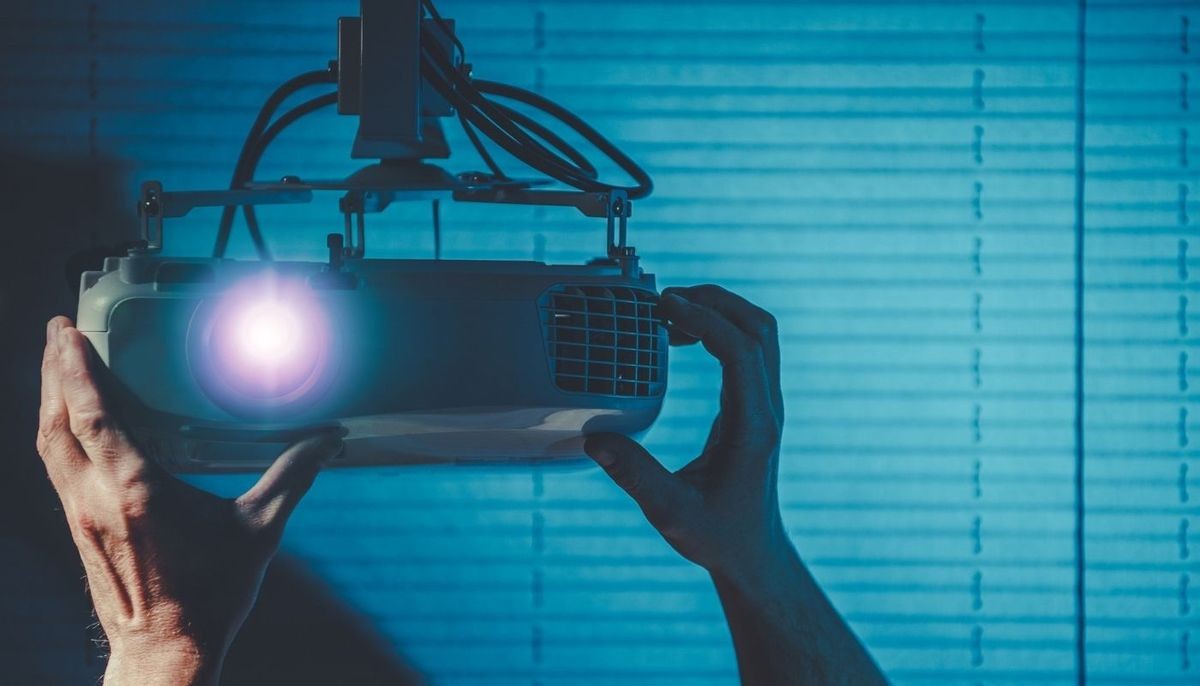
The beauty of projectors is that they can be used on any surface instead of just ones. Many projector owners prefer to project onto custom-made screens or white-painted walls to assure quality, but this isn't required. You can re-adjust your home theater projector infinitely because it doesn't require a set frame size.

Do you need a massive image for a blockbuster film? Or perhaps a little one to fit into a small space? One projector can accomplish both, and its image may be projected onto any flat surface!

Reduce Eye Strain

When it comes to eye comfort, projectors have two distinct advantages. Because projector users can project larger images, eyestrain is less of an issue. When looking at small graphics and images on a TV, viewers are forced to go closer to their screens and struggle to focus.

Additionally, the type of light emitted by projectors reduces eye strain. The use of reflected light in projectors has a lower visual impact on the eye, unlike the emitted light of TVs. So you can comfortably binge-watch to your heart’s content.

Compact Size

While a large-screen TV's size may dazzle some, it also restricts the device's mobility and utility. A projector the size of a laptop, on the other hand, can display a large image on a variety of surfaces but also has versatile placement.

Continue reading
  1090 Hits

5 Tips to Make Your Speaker Last a Lifetime [+1 Bonus!]

5 Tips to Make Your Speaker Last a Lifetime [+1 Bonus!]

1. Dust Be Gone

Dust is possible the most destructive enemy of any speaker. It infiltrates your wire connectors where the wire and metal meet, disrupting the electrical signals and adding annoying noise to your system's sound. Not to mention dust can also damage your wiring and ruin the effectiveness of your speaker.

So how do you fight off dust? Regular cleaning using dust pads, dry cloths, air canisters, and vacuum cleaners. Just make sure to avoid damaging the cone drivers or tweeters, and never, EVER, use any liquids.

You can also place your speakers in a room with minimal dust or store them in a protective case when not in use.

2. Heat, Go Away

Another danger to your speakers is heat, which primarily comes from exposure to the sun. If left in direct sunlight, your speakers can overheat and damage the electromagnetic voice coils and totally ruin your sound.

The best way to avoid heat is to keep your speakers away from any windows and avoid direct sunlight. Don't forget to keep your speakers away from any hot areas in your home like fireplaces, heaters, and vents. And if your speaker has vent holes, make sure to keep them free of obstructions.

Continue reading
  1339 Hits

5 Ways Smart Thermostats Will Save You Money in 2022

5 Ways Smart Thermostats Will Save You Money in 2022

1. Customizable Features

With a smart thermostat, you'll have a variety of control mechanisms at your disposal. Using adaptable times and room-specific settings, you'll have more control over every aspect of your home's energy. So, you'll have control over how much energy you're using at any given point.

You can even improve how much you save by having separate thermostats for different floors, giving you granular control over which rooms to heat. This way, you can keep your bedroom at the optimum temperature and keep that unused guest bedroom at a low temperature and not waste any energy.

2. Knows What You Need

One aspect that sets smart thermostats apart from regular thermostats is the ability to learn your behavior. The smart technology in these thermostats works is by knowing when you're home or away and adjusting your settings accordingly. So, even if you input a schedule, you don't have to always stick to it to get great results.

You'll even receive tailored notifications asking to readjust your settings according to the new data it processes, so your home always operates at the ideal temperature.

3. Smart Technology Tracking

Speaking of smart technology, another benefit smart thermostats provide is their tracking capability, which translates to more energy savings. With the monthly energy reports you receive from your thermostat, you can easily see where you're using the most energy. And since these things have high-powered brains, you'll also receive personalized recommendations on how to improve your energy savings.

Continue reading
  1078 Hits

How to Find the Perfect Sound System for Your Space

What is Your Ideal Speaker Placement?

So, what is the ideal placement for your sound system? In a perfect world, you'd have a square room with minimal obstructions between you and the speaker. But that's not always possible, and so you'll have to accommodate for what is in each room. Remember that you want enough space for each speaker to have individual audio fields without getting echo-y or otherwise distorted.

What Does That Actually Look Like?

To find the correct placement for your space, you need to do some trial and error to place each type of speaker.

  • Front Left & Right Speakers: Place these far enough apart to distinguish sounds coming from either direction. If your room is asymmetrical, you may need to tinker with the channel's panning and volume levels.
  • Center Channel: Equalize with your front speakers in mind to get a smooth range of sound, especially with dialogue. Most setups have this speaker above or below the screen.
  • Surround Speakers: Space them apart from the same distance as your front speakers or a little wider and face them towards you. Or place them behind your seating position and angle them toward you.
  • Subwoofer: Work in any spot, ideally in a corner with no X-factors like furniture, carpeting, or thick wall construction to interfere. Clean, punchy bass is the goal with no rattling of windows or dishes, so try placing them near your seating locations for the best impression.

What About the Room Size?

Of course, the size of your room is another crucial factor in finding the perfect sound system. You might think that the larger the speaker, the better, but if you don't have enough space for the sound to move, even the best quality speakers will leave you disappointed with your sound system. Instead, you'll need to choose the sound system that fits your space.

Small Rooms

A small room is typically a bedroom-sized room with an 8-ft. ceiling. You'll need to place your speakers about 6 to 8 feet away from the listener. But which speakers should you get? Giant floor speakers will be too much power for this setup, so you're better off with a two- or three-channel system instead. Don't forget to consider on-wall speakers to free up floor space and tweak your sound with acoustic panels.

Pro Tip: Remember that desktop speakers are designed to provide sound at close distances and aren't ideal for a full-room setup.

Continue reading
  2453 Hits

How to Make Your Speaker System Your Home's Best Kept Secret

How to Make Your Speaker System Your Home's Best Kept Secret

In the Wall or the Ceiling?

One of the easiest ways to hide your audio is with in-wall or in-ceiling speakers. Both speakers are recessed into the sheetrock with a mounting bracket, but while the grilles are still noticeable, you can paint those the same color as the walls. And you don't have to worry about the wires since your installer will run them for you.

With in-ceiling speakers, you need to take care of which rooms you put them in since sound travels. So, if you have a young child, having in-ceiling speakers in the room above them might make it hard for them to stay asleep.

Pro Tip: Make sure to choose speakers with full enclosures to minimize sound reflections and keep your sound pure.

Cloak of Invisibility

Have you heard of invisible speakers? They work just like in-wall or in-ceiling speakers, except they don't have exposed grates. Instead, you plaster over invisible speakers, and they stay hidden entirely inside the sheetrock. But don't worry about the quality of your sound — these are designed with superior audio!

The beauty of invisible speakers is that you can also install them within recesses about the size of canned lights so that they blend in with your light fixtures. No matter how often your guests look around, they won't be able to find where the sound is coming from!

Continue reading
  1477 Hits

What is Geofencing & How Can It Make Your Smart Home Even Better?

What is Geofencing & How Can It Make Your Smart Home Even Better?

Setting Up Boundaries

What is geofencing? It's a location-based technology that uses GPS, RFID, Wi-Fi, or cellular data to trigger a pre-programmed action when a mobile device enters or exits a virtual boundary set up around a geographical location. Basically, it uses your location to trigger specific actions on smart devices and controls once you've entered or left the virtual boundary you created.

Geofencing is controlled and managed through a Z-wave powered smart hub or panel and combines all your smart devices and controls into one cohesive network. You can set triggers for your lights, security system, smart plugs, GPS trackers, thermostats, door locks, electronic devices, smart appliances, sprinkler systems, and in-home sound systems. That's your entire home!

Keep Cool & Bright

With warmer temperatures on the way, you have to stay on top of your home's utility bill. And if you already have a smart thermostat, you're on the right track. But it can be better.

When used with geofencing, you can set it so your thermostat automatically raises the temperature a few degrees when you leave the house, which helps you save on energy. You can also program the thermostat to lower the temperature once you've reached the boundary of your geofence, so your house begins to cool when you arrive.

As for lights, you can do something similar where your porch lights and interior lights automatically turn on, so you don't come home to a dark house. While you can do that with ordinary smart home automation, this way, you don't have to fiddle with timing and schedules — it's all based on where you, and your smartphone, are currently located!

Continue reading
  1498 Hits

Release Your Inner Geek for Geek Pride Day!

Release Your Inner Geek for Geek Pride Day!

Have a Geek Meet

If you’re more on the anti-social side, maybe going out to a geek-fest isn’t your thing. But that doesn’t mean you can’t still have fun! Play nerdy games with your fellow geeks or online. This might be a perfect day to go back to a good old game of “Dungeons and Dragons.” Or join the relevant Watch party on Facebook or any other nerdy event you are interested in. You could also join an online discussion about your latest movie or show obsession with your fellow geeks.

And if you want an in-person meet-up with some friends, you can do that too. Maybe you’ll binge-watch your favorite anime or watch a marathon of Marvel films. Alternatively, you might spend the entire day playing your favorite video game. And if you can’t spend the whole day geeking, you can still take some time to show off your new projector or your home audio system you just added.

Geekify Your Home

Don’t feel like your home really showcases your inner or outer geek? Take the chance on this Geek Pride day to rectify that. So if you’ve been thinking your video game setup needs some work, it’s time to go for an upgrade! And while you’re at it, you can completely transform your home theater experience with a custom solution that matches your geeky soul. You can even take the opportunity to geekify your backyard patio with an outdoor theater setup—the choice is yours!

Perhaps you’d want to use your creativity and set up some home automation lights to recreate Harry Potter scenes or as the backdrop for your next cosplay. It is Geek Pride Day, so why not get techy with it!

Get Creative

If you’re a sci-fi lover, you know what a tricorder is, but did you know that with home automation, you can almost have the real thing? The tricorder was the pinnacle of efficiency and simplicity. It was a small machine that allowed access to an almost infinite amount of sensor data and automation. Like how a smart home hub or app is, nifty isn't it?

Continue reading
  1224 Hits

Powered By One Firefly   |    Sitemap   |    Privacy Policy